Multi Location Restaurant Management Software: How to Choose a System That Survives Real Shifts
A practical guide for restaurant owners evaluating multi location restaurant management software—requirements, vendor questions, rollout risks, and how to measure ROI across stores.
In a Nutshell
- Multi-unit groups need one operational layer so work, vendors, and issues aren’t trapped in DMs and personal phones.
- Define your top recurring workflows before shopping—then match features to real shifts, not slide decks.
- Adoption is the whole game: prioritize fast task completion on mobile during service over glossy analytics.
- In demos, stress-test exceptions, permissions, and notifications; happy paths hide the failures that hurt you at peak.
- Roll out in phases, budget data cleanup, and measure ROI with risk, consistency, and guest-facing reliability—not only minutes saved.
If you run more than one restaurant, you already know the truth: your brand is not one store stretched wider. It is a portfolio of small businesses that share a name, a menu philosophy, and a standard of hospitality, yet each location has its own staff, vendors, building quirks, and local guests. That is exactly why multi location restaurant management software exists. It is not about adding another login—it is about replacing scattered workflows with a single operational layer so leadership can see reality clearly without becoming the inbox for every single emergency.
Related on UnitPass: Compare Restaurant Ops Software for Multi-Site Operators: Matrix Scoring That Survives a Real Saturday
Why fragmentation quietly gets expensive
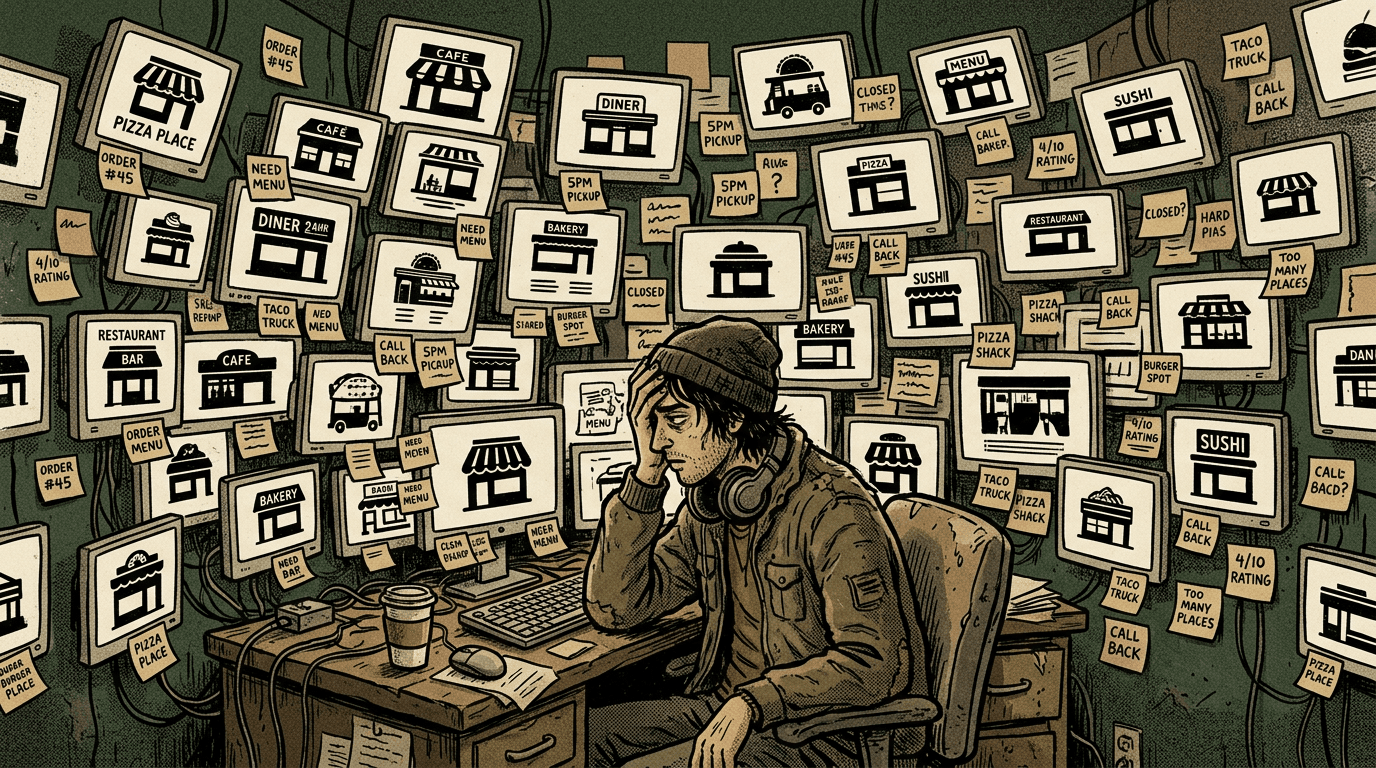
Most groups do not fail because they lack talent. They fail because information is trapped in pockets. A general manager keeps vendor contacts in a personal phone. Another store runs a private spreadsheet for repairs. Marketing plans float through email threads. Compliance documents sit in shared drives that nobody audits. When something breaks—literally or operationally—you pay twice: once for the fix, once for the coordination tax. Multi location software is meant to reduce that tax by giving everyone the same playbook and the same source of truth, while still allowing each store to move fast on the floor.
The hard part is choosing software that matches the way restaurants actually operate. Restaurant tech sales decks love glossy promises: AI, automation, unified analytics. Those can matter, but for multi-unit owners the foundation is humbler. You need reliable capture of work, accountability across teams, and continuity when managers change. If a tool does not make daily problems easier—like resolving repair status, confirming vendor coverage, or coordinating promos—it will not get adopted, and adoption is the whole game.
Start with workflows, not feature lists
When you evaluate multi location restaurant management software, begin by mapping the top ten recurring workflows in your group. Examples include opening a maintenance issue with photos, assigning a vendor, tracking completion, approving spend, updating leadership, and storing proof for insurance or audits. Also map people workflows: hiring onboarding tasks, certification reminders, and handoffs between day and night management. If you start with the workflow, the feature list becomes a checklist instead of a wish list.
Next, separate must-have from nice-to-have by asking what happens when the software is missing. If you cannot answer that question crisply, you will overspend on modules your teams will never touch. Operators are busy; complexity is not sophistication. The best systems earn minutes back in the first week because staff can complete core tasks from a phone without five training sessions. If your goal is scaling from three units to ten, look for admin patterns that scale too: roles, permissions, duplicated templates, and bulk actions that do not require a consultant every time you onboard a new location.
What to test in demos (and what to ignore)
Demos are performances. The interface will look smooth, the sample data will look clean, and the salesperson will click the happy path. Your job is to push outside the happy path. Bring screenshots of your real exceptions: the weird HVAC vendor who only texts, the location with split ownership of equipment, the promotion that applies to two stores but not a third. Ask how the system handles partial permissions, duplicated assets, and incomplete data. If the answer is always “there is a workaround,” you are buying future frustration.
Also test notifications honestly. Restaurants are loud, fast environments. If your software relies on email alone, it will lose to a group chat every time. If it relies on group chat alone, you will lose history, accountability, and reporting. Look for integrations and mobile workflows that match how teams already communicate, but route durable work items into a structured record. The point is not to kill Slack; it is to stop Slack from becoming your database of record for critical operations.
Rollout mistakes that kill multi-location adoption
Even strong software fails when rollout ignores local leadership rhythms. A common mistake is HQ mandating a tool without a single store-level champion at each site. Another mistake is trying to digitize everything on day one. A phased approach—starting with maintenance or vendor tracking, then layering marketing coordination—often builds trust faster than a big-bang launch. Training should be short, repeated in micro-lessons, and measured by tasks completed, not slides viewed.
Data hygiene matters more than you want it to. If locations have conflicting names for vendors, inconsistent address formats, or outdated contacts, the new platform will faithfully amplify the mess. Budget time for cleanup and assign ownership. Someone has to be accountable for ongoing accuracy, or your shiny new system becomes another brittle spreadsheet with better styling.
Measuring ROI without pretending restaurants are factories
ROI is not always “hours saved times hourly rate.” Sometimes it is the avoided catastrophe: a refrigeration issue escalated early, a missed promo prevented, a slip-and-fall documentation gap closed before it becomes legal exposure. Build a scorecard that includes operational outcomes, speed, and consistency, not only labor minutes. Leaders respond when you translate software into risk reduction and guest experience protection, especially when they fund multiple leases and brand reputation across markets.
Finally, pick partners—internal and external—who treat technology as part of operations culture. Multi location restaurant management software works best when leaders model the behavior they want: logging issues cleanly, acknowledging completions, and using the system in meetings instead of asking for screenshots afterward. The goal is not perfection on day thirty. The goal is compounding clarity: a platform where tomorrow’s team inherits yesterday’s truth, not yesterday’s folklore.
A quick scorecard before you sign
Before you commit budget and organizational attention, pressure-test the short list with a simple scorecard. Can each location complete the top workflows on a phone during service? Can leadership see open work across stores without asking someone to export a spreadsheet? Can you enforce roles so sensitive information stays controlled? Does the platform produce audit-friendly history for maintenance, incidents, and approvals? If you can answer yes with evidence—not promises—you are far more likely to pick multi location restaurant management software that still feels indispensable after the honeymoon period ends.
- Define the top workflows first, then match features—never the other way around.
- Optimize for adoption: speed-to-task beats screen polish in live restaurants.
- Plan phased rollout plus data cleanup; avoid “everything at once” launches.
- Measure outcomes beyond minutes saved: risk, consistency, and guest-facing reliability.
Sources & further reading
Authoritative references for context (not endorsements of any vendor):